Professional work
R&D prototype · first device runAR Tracing Studio
An iOS test bench that draws a golf radar's ball traces over a live camera view, records the video with per-frame camera data, and lines the trace up on site.
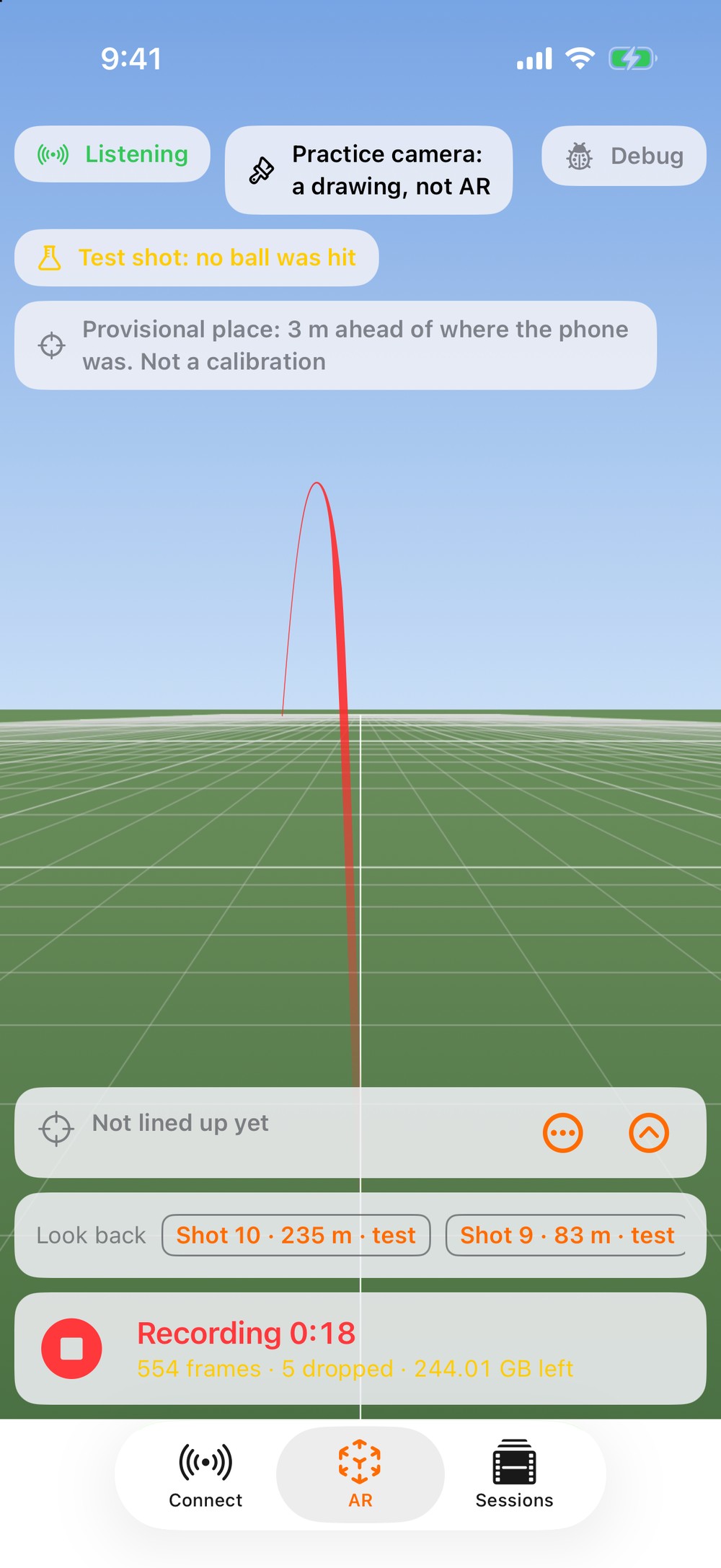
Metal trace renderer over the live ARKit camera
HEVC recording with per-frame pose and intrinsics
Shot feed, replay server and fault injection
Built with
- Swift
- ARKit
- Metal
 Python
A closer look
Inside the workflow.
Context
A radar measures a golf ball’s flight in its own coordinate system. A camera sees the same shot from somewhere else. To draw the radar’s trace convincingly over live video, the app has to know where the phone is, how its lens projects the world and when each frame was captured, and it has to keep up with the camera.
AR Tracing Studio is an internal test bench for trying calibration methods, trace styles and live data flows. It follows the earlier radar-to-video calibration prototype, which worked with recorded footage. This app works live, on a phone.
What I built
- Shot feed: a WebSocket client on Apple’s Network framework, connecting to a radar or a radar service. Every raw message is written to disk before it is decoded. Shots are assembled into trajectories and resampled for drawing.
- Metal trace renderer: up to six traces, one instanced draw call each, composited over the camera image with no per-frame allocation. A test checks the GPU projection against a CPU reference model and keeps it within about a hundredth of a pixel, from 2 m out to 300 m.
- Frame pump: ARKit frames go to the recorder first and the renderer second. If the GPU is busy, a frame is skipped for drawing but never for recording. Every drop and every thermal change is logged as an event.
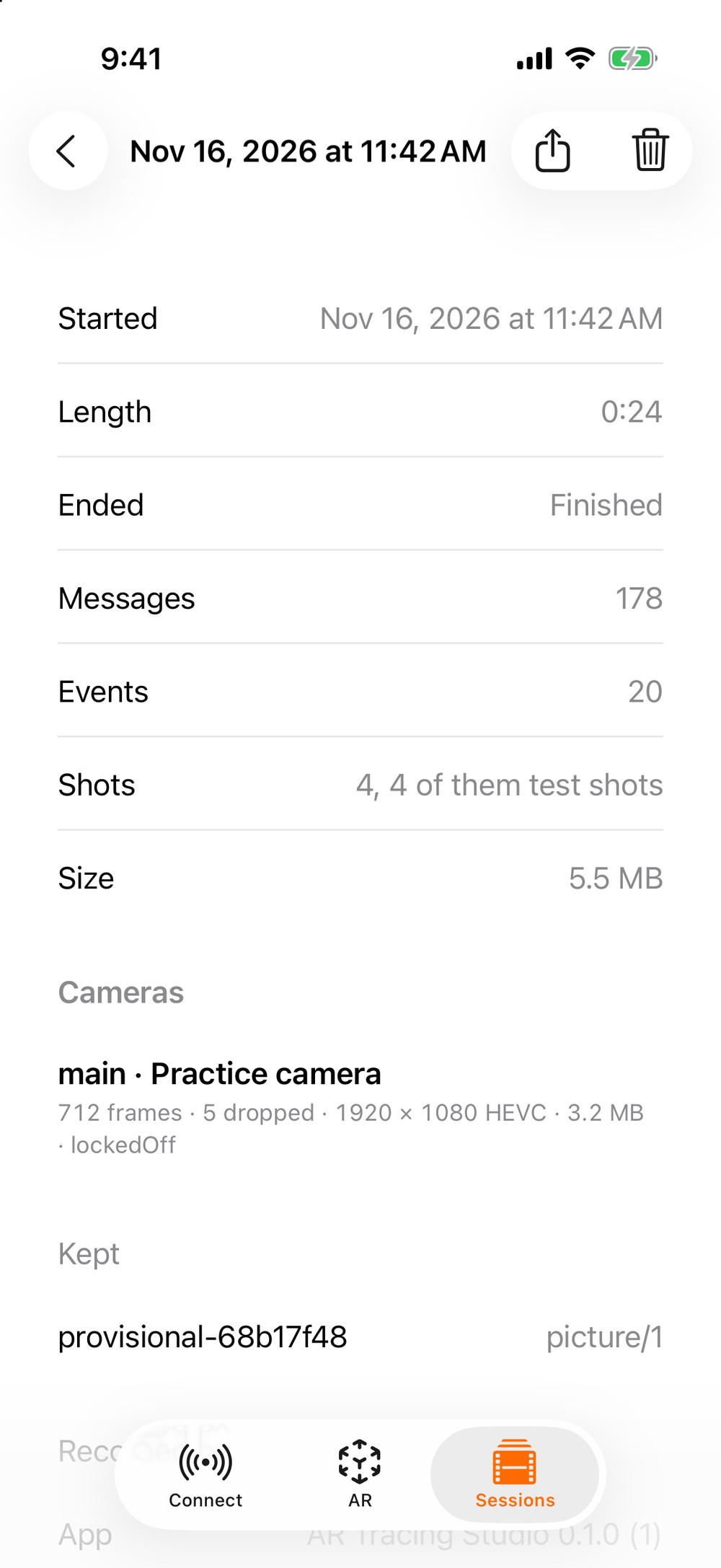
- Recording: HEVC through AVAssetWriter, written in one-second fragments so a crash keeps what came before. Alongside the video, a per-frame log stores the ARKit timestamp, camera pose, intrinsics, tracking state and exposure, which is what a later redraw of the traces will need.
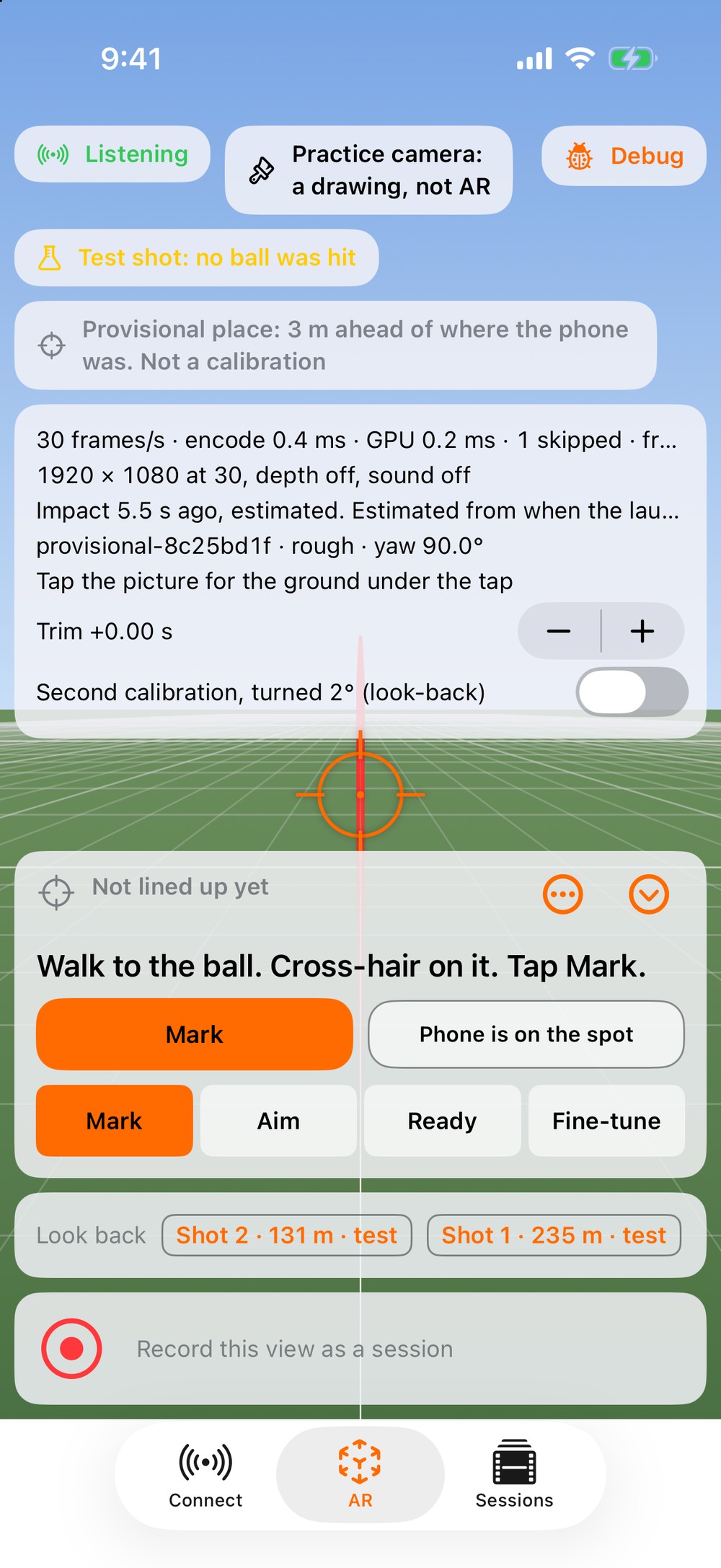
- On-site alignment: mark the ball’s spot (held by an ARKit anchor), aim down the range, check a launch in pixels, then nudge. Two calibrations can be drawn at once for comparison.
- Camera math: a pinhole model with five-term Brown–Conrady lens distortion, undistortion by Newton iteration, and a least-squares level-frame solver.
- Testing without a radar: a replay server with fault injection (a dropped link, a peer that never acknowledges, a feed that goes silent), a dozen scripted scenarios, and a drawn practice camera for the simulator.
- Field tooling: a Python shot logger with no dependencies. It includes its own TLS WebSocket client, written against RFC 6455, for listening to a feed directly.
Design decisions
Recording comes before rendering. A trace can be redrawn from saved data, but a dropped camera frame is gone, so the frame pump protects the recorder and lets the overlay skip frames instead.
The app tells you what it doesn’t know. Test shots are labelled, and impact times derived from the launch are marked as estimates. The simulator’s practice camera says on screen that it is a drawing and not AR.
I plan the work as small task cards with explicit acceptance checks. AI coding agents implement many of them; I review and accept the results against the tests and a written decision log. The Swift package has 508 tests, and CI runs SwiftLint, the tests, a simulator build and an unsigned device build on every change.
Where it stands
The first run on a phone, an iPhone 17 Pro Max, happened indoors in November 2026, against a local shot server. The picture stayed upright in every orientation. A demo trace started where the spot had been marked and stayed in place as the phone moved. The far end of the trace looked high, which is not yet explained. Trace accuracy has not been measured, and the app has not yet traced a real ball from a live radar.
Still to come: radar-and-ball site calibration, redrawing and exporting a session with the trace burned in, a stationary external camera, and proper time sync between the radar and the camera.